

Folder Structure

Organizing your project’s folder structure is crucial for maintaining clarity and scalability. A recommended structure is to keep Laravel’s backend files separate from Vue.js’s frontend files. This allows for a clear separation of concerns and makes it easier to manage and maintain your codebase.
Create separate directories for backend and frontend code to ensure a clean and organized project structure. This separation enables developers to focus on specific areas of the application without confusion.
Within the frontend directory, further categorize your Vue.js components, assets, and styles into logical subdirectories. This promotes modularization and makes it easier to locate and modify specific parts of the codebase.
Consider using Laravel’s artisan command-line tool to generate and manage directories and files automatically, ensuring consistent and standardized folder structures across projects.
API Routes
Utilize Laravel’s powerful routing system to create API routes for your Vue.js front. By defining dedicated API routes, you can establish a clear and structured communication layer between the front end and backend. This approach ensures that your API endpoints are concise, readable, and easy to maintain.
Group related API routes within Laravel’s route files to maintain organization and logical grouping. This helps developers quickly locate and modify specific routes when necessary.
Implement versioning in your API routes to ensure backward compatibility as your application evolves over time. This allows you to introduce breaking changes in new versions while still supporting older versions of the API for existing clients.
Leverage Laravel’s route model binding feature to automatically resolve models based on route parameters. This simplifies your code and enhances the readability of your API routes.
Authentication and Authorization

Implementing secure authentication and authorization mechanisms is essential for SPA applications. Laravel provides robust authentication functionalities out-of-the-box, such as Laravel Sanctum or Laravel Passport. Utilize these packages to handle user authentication and protect your API endpoints effectively.
Utilize Laravel Sanctum to implement token-based authentication for your SPA application. Sanctum provides a simple and secure way to generate and manage API tokens, allowing users to authenticate and access protected resources.
Implement role-based or permission-based authorization using Laravel’s built-in authorization features or packages like Spatie Laravel Permission. This allows you to control access to specific routes or actions based on user roles or permissions.
Enhance security by implementing measures such as CSRF (Cross-Site Request Forgery) protection and JWT (JSON Web Tokens) for token-based authentication. Laravel provides tools and middleware to help with these security aspects, ensuring a robust authentication and authorization system.
Vue Router
Leverage Vue Router, the official routing library for Vue.js, to handle client-side routing in your SPA. Use Vue Router to define routes and their corresponding components, enabling seamless navigation within your application. This helps create a fluid user experience while maintaining a clear structure in your Vue.js code.
Define nested routes in Vue Router to create hierarchical structures that match your application’s navigation hierarchy. This allows for better organization and makes it easier to understand the flow of your application.
Utilize dynamic route parameters in Vue Router to handle dynamic segments in your URLs, such as user IDs or product slugs. This enables you to fetch data based on the dynamic parameters and update the component accordingly.
Leverage Vue Router’s navigation guards to control access to routes based on user authentication or authorization. This allows you to restrict access to certain routes, redirect unauthenticated users, or perform additional actions before navigating to a route.
Vuex for State Management

Utilize Vuex, the official state management library for Vue.js, to manage and synchronize the state between components in your SPA. Vuex provides a centralized store where you can define and manage your application’s state. Following Vuex’s best practices, such as using mutations for synchronous changes and actions for asynchronous operations, ensures a maintainable and scalable state management solution.
- Break down your application’s state into modules in Vuex to promote modularity and separation of concerns. This helps organize and isolate states related to specific features or components, making it easier to maintain and debug.
- Use getters in Vuex to derive computed properties from the state. Getters allow you to perform calculations or transformations on the state without modifying it, enabling efficient data manipulation and decoupling from component logic.
- Leverage Vuex actions to handle asynchronous operations, such as API requests or other side effects. By centralizing these operations in actions, you ensure a consistent and predictable flow of data in your application, making it easier to track and debug.
Component Reusability
- Promote component reusability by breaking down your application into smaller, self-contained components. This allows you to build modular and reusable pieces of UI that can be easily composed and shared across different parts of your application. Encapsulating functionality within components improves code maintainability and reduces duplication.
- Identify common UI patterns or functionalities in your application and extract them into reusable components. This approach allows you to abstract away repetitive code and ensures consistency throughout your application.
- Leverage Vue.js’s props system to pass data from parent components to child components. This enables flexibility and reusability as components can accept different data and adapt to various contexts.
- Create component libraries or packages within your organization to share and reuse components across multiple projects. This not only saves development time but also promotes a consistent user experience and design language.
API Communication
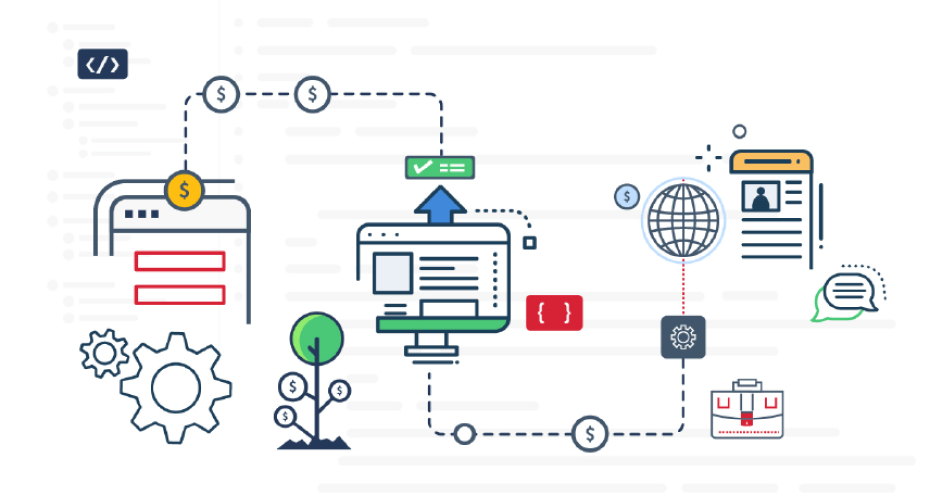
- When communicating with your Laravel backend, utilize asynchronous requests such as Axios or Vue Resource to fetch data from your API endpoints. This ensures smooth data retrieval and updates without blocking the user interface. Handle API errors gracefully by implementing proper error handling and displaying meaningful feedback to the users.
- Implement reusable API service modules or classes to encapsulate API calls and provide a consistent interface for fetching and sending data. This helps centralize API logic and facilitates easier maintenance and testing.
- Utilize interceptors provided by Axios or similar libraries to handle common API-related tasks, such as adding authentication headers, transforming request or response data, or handling errors globally. Interceptors provide a clean and reusable way to modify API requests and responses throughout your application.
- Implement caching mechanisms when appropriate to optimize API communication. Use techniques like client-side caching with local storage or server-side caching with Laravel’s caching mechanisms to minimize unnecessary API requests and improve performance.
Server-Side Rendering (SSR)
- Consider implementing Server-Side Rendering for performance optimization and enhanced SEO capabilities. Tools like Nuxt.js, a server-side rendering framework built on top of Vue.js, enable pre-rendering of your application on the server, resulting in faster initial page loads and improved search engine indexing.
- Use Nuxt.js to create universal Vue.js applications that can be rendered both on the server and the client. This approach allows search engines and social media crawlers to access fully rendered HTML content, improving SEO and social sharing capabilities.
- Leverage Nuxt.js’s asynchronous data fetching capabilities to pre-fetch data on the server before rendering the page. This ensures that the initial page load includes the necessary data, reducing subsequent API calls and improving perceived performance.
- Utilize Nuxt.js’s dynamic routes and routing configuration to create dynamic and SEO-friendly URLs for your SPA application. Dynamic routing enables you to generate optimized pages for different content or parameters, enhancing the visibility and accessibility of your application.
Testing
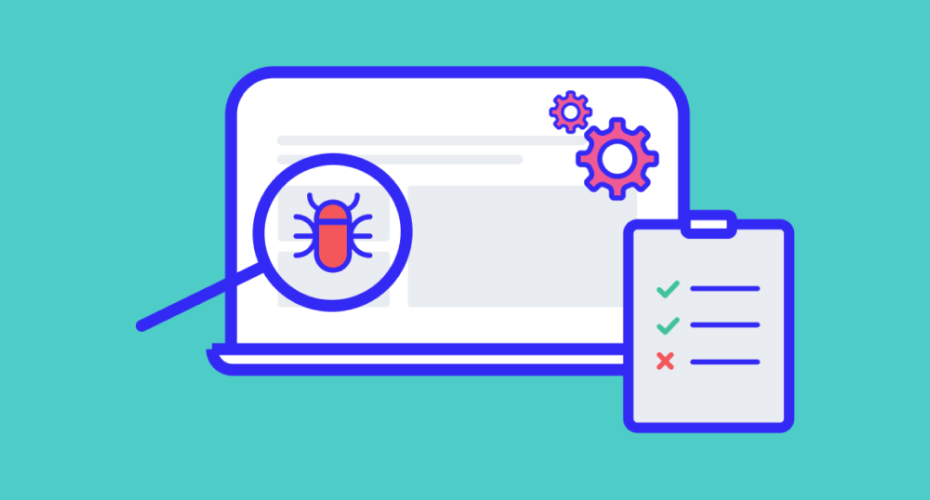
- Adopt a comprehensive testing approach for both your Laravel backend and Vue.js front end. Write unit tests for your backend API endpoints using Laravel’s testing capabilities. Similarly, employ testing frameworks such as Jest or Vue Test Utils to write unit and integration tests for your Vue.js components, ensuring the correctness and reliability of your application.
- Write PHPUnit tests for your Laravel backend to cover critical business logic, API endpoints, and database interactions. This ensures that your backend functionalities are thoroughly tested and robust.
- Employ Vue Test Utils to write unit tests for your Vue.js components, testing their behavior, rendering, and interaction with props and state. Integration tests can be used to test the interaction between multiple components and ensure the smooth functioning of your SPA application.
- Implement continuous integration tools like PHPUnit, Jest, or Laravel Dusk in your development workflow to automatically run tests on each code commit. This helps catch potential issues early in the development process and ensures code quality and stability.
Continuous Integration and Deployment (CI/CD)
Implement CI/CD pipelines to automate the build, testing, and deployment processes of your SPA application. Tools like GitLab CI/CD or Jenkins can help you streamline the development workflow, ensuring that changes are thoroughly tested and deployed seamlessly to production environments.
Set up automated builds triggered by code changes in your version control system (e.g., Git) using CI/CD tools. This ensures that every code commit goes through a standardized build process, including running tests and generating build artifacts.
Leverage containerization technologies like Docker to create reproducible and isolated environments for your application. This enables consistent deployments across different environments and simplifies the management of dependencies.
Implement a deployment strategy that suits your application’s requirements, such as blue-green deployments, canary releases, or rolling updates. This allows you to deploy new versions of your application gradually, ensuring minimal downtime and smooth transitions for your users.
Concluding
Building SPA applications with Laravel and Vue.js offers a powerful combination for creating modern, scalable, and efficient web applications. By following these best practices, you can ensure a well-structured, maintainable codebase, smooth communication between the front and backend, and an exceptional user experience. Embrace the versatility of Laravel and Vue.js, and unlock the full potential of SPAs in your web development projects.
Remember, mastering these best practices takes time and experience, so continue learning, exploring, and refining your skills to become a proficient Laravel and Vue.js developer.
Happy coding!

Don't want to miss anything?
Get weekly updates on the newest design stories, case studies and tips right in your mailbox.
